








How it works

Modern Homelab. The best of both worlds.

Photos, films and the smart home stay close to you. Your website and game nights live where everyone can reach them. One homelab holds them all.

at home or in the cloud: you decide where each one lives

In four steps

From a wish to a running service.

  1. 01

    Say what you need

    A photo library for the family or a server for game night. Start with the wish, not the technology.

  2. 02

    kombify plans it

    Techstack suggests fitting apps and a place for each, built on open StackKits blueprints.

  3. 03

    It runs where it fits

    On your own hardware at home or on a cloud server, reachable from anywhere through your own address.

  4. 04

    It stays cared for

    Backups before changes, updates that do not break things and a record of what happened.

Inside the product

From the first choice to everyday care.

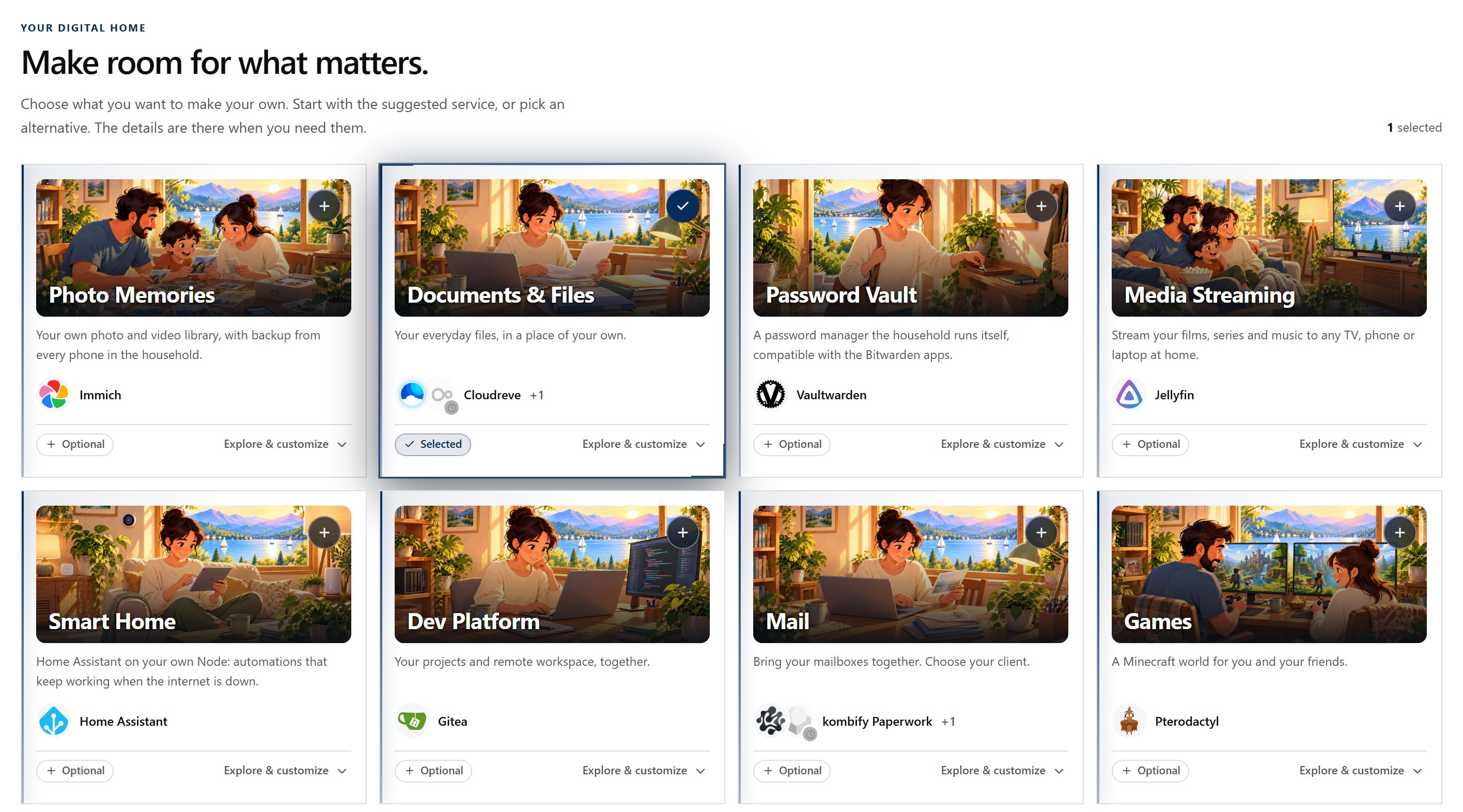
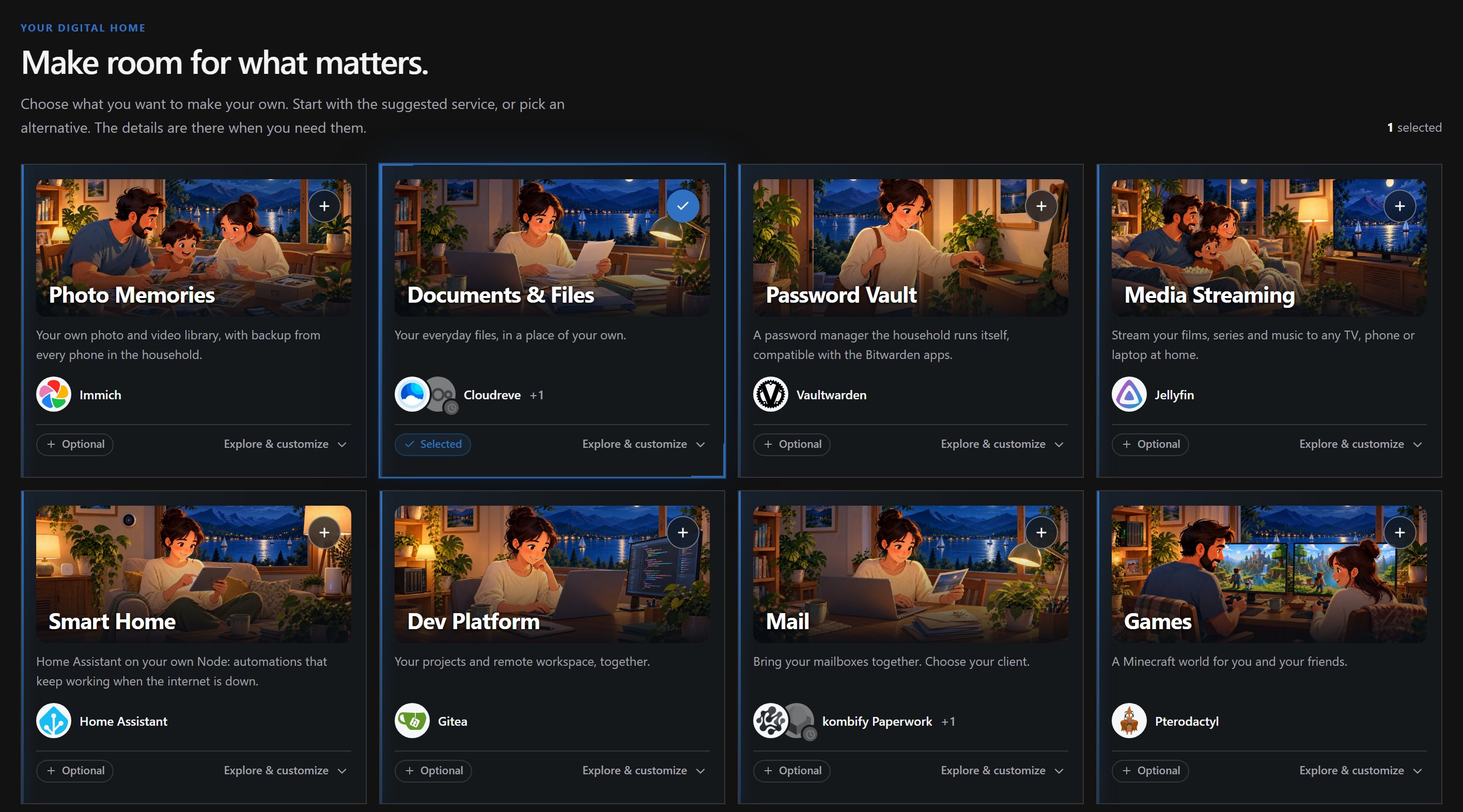
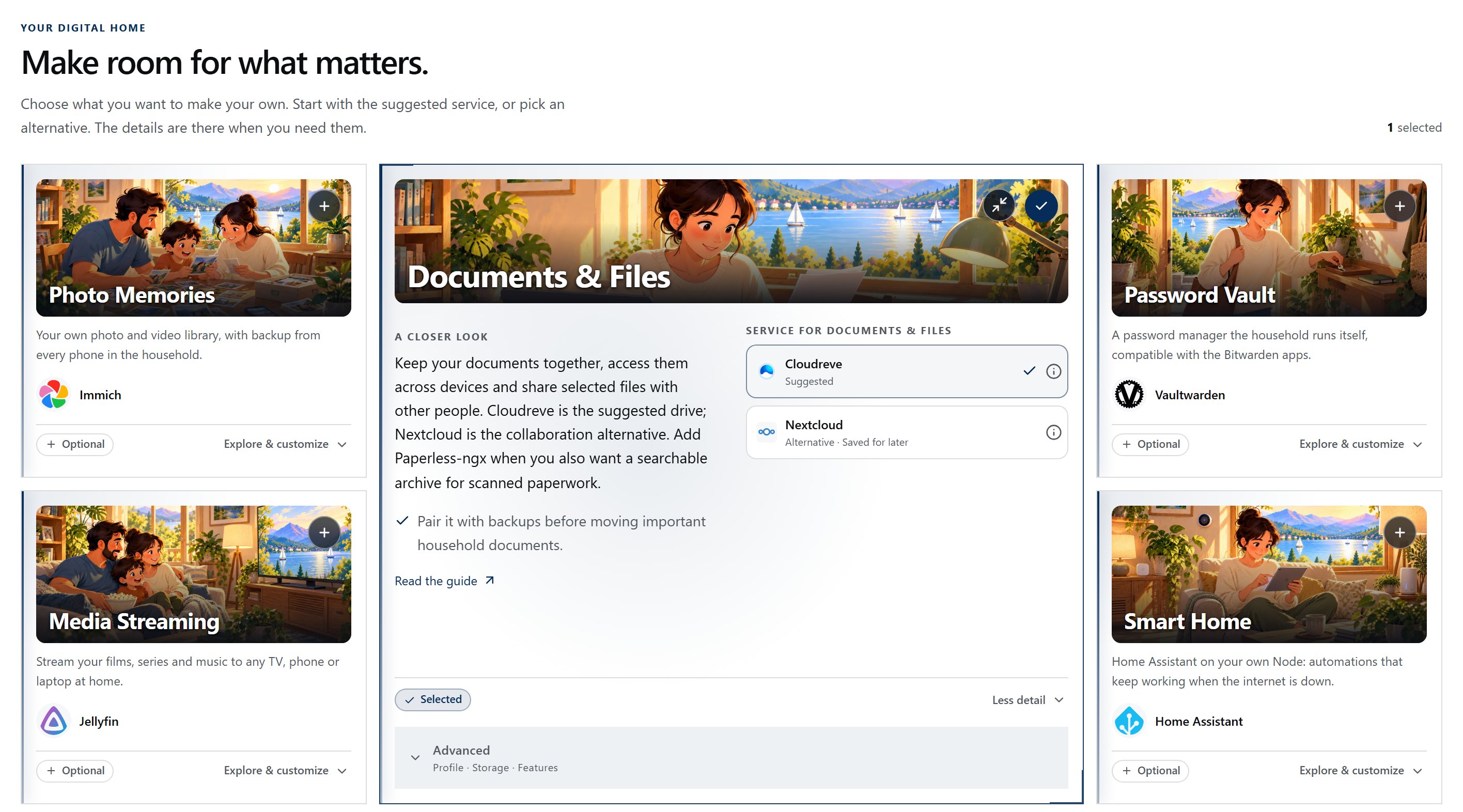
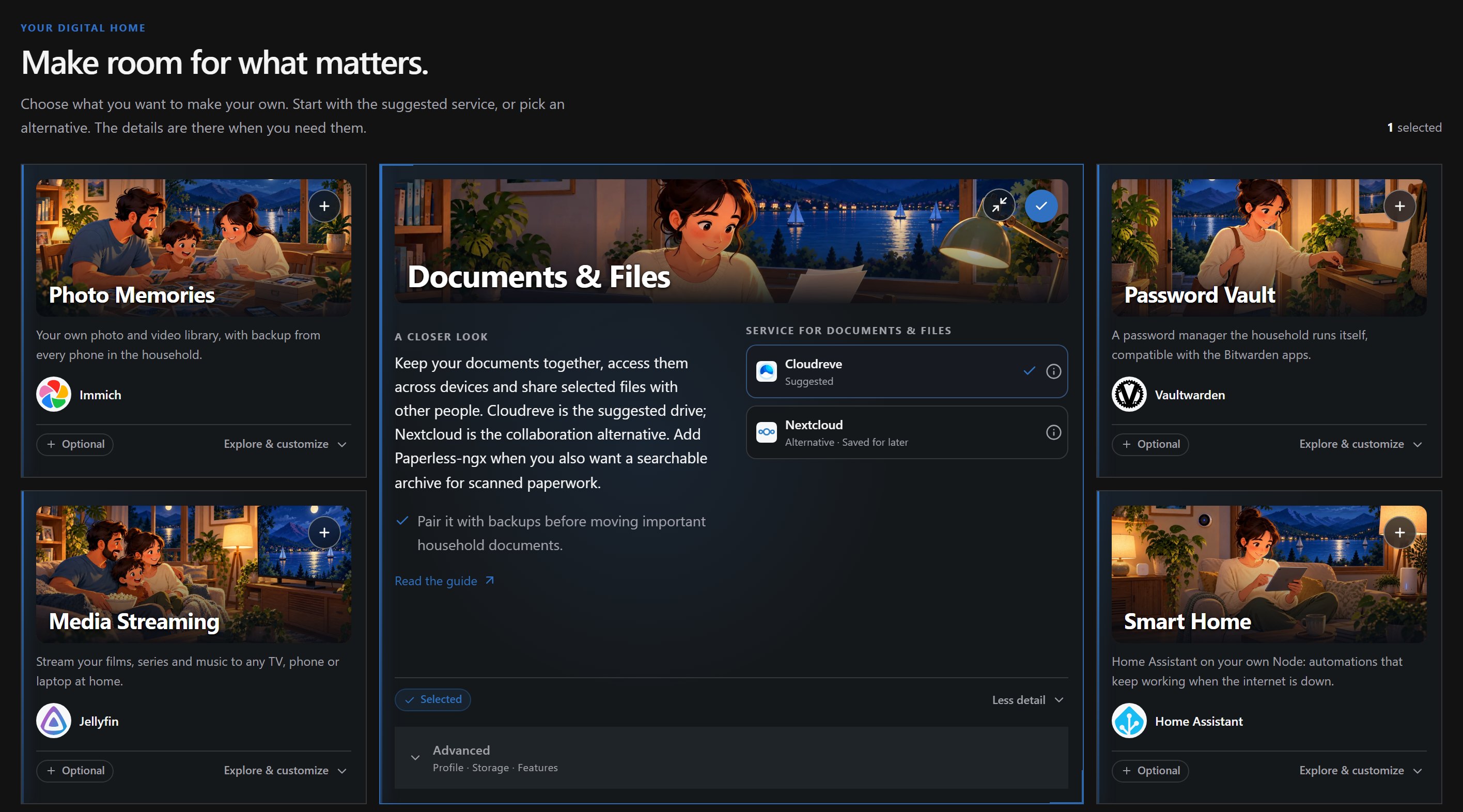
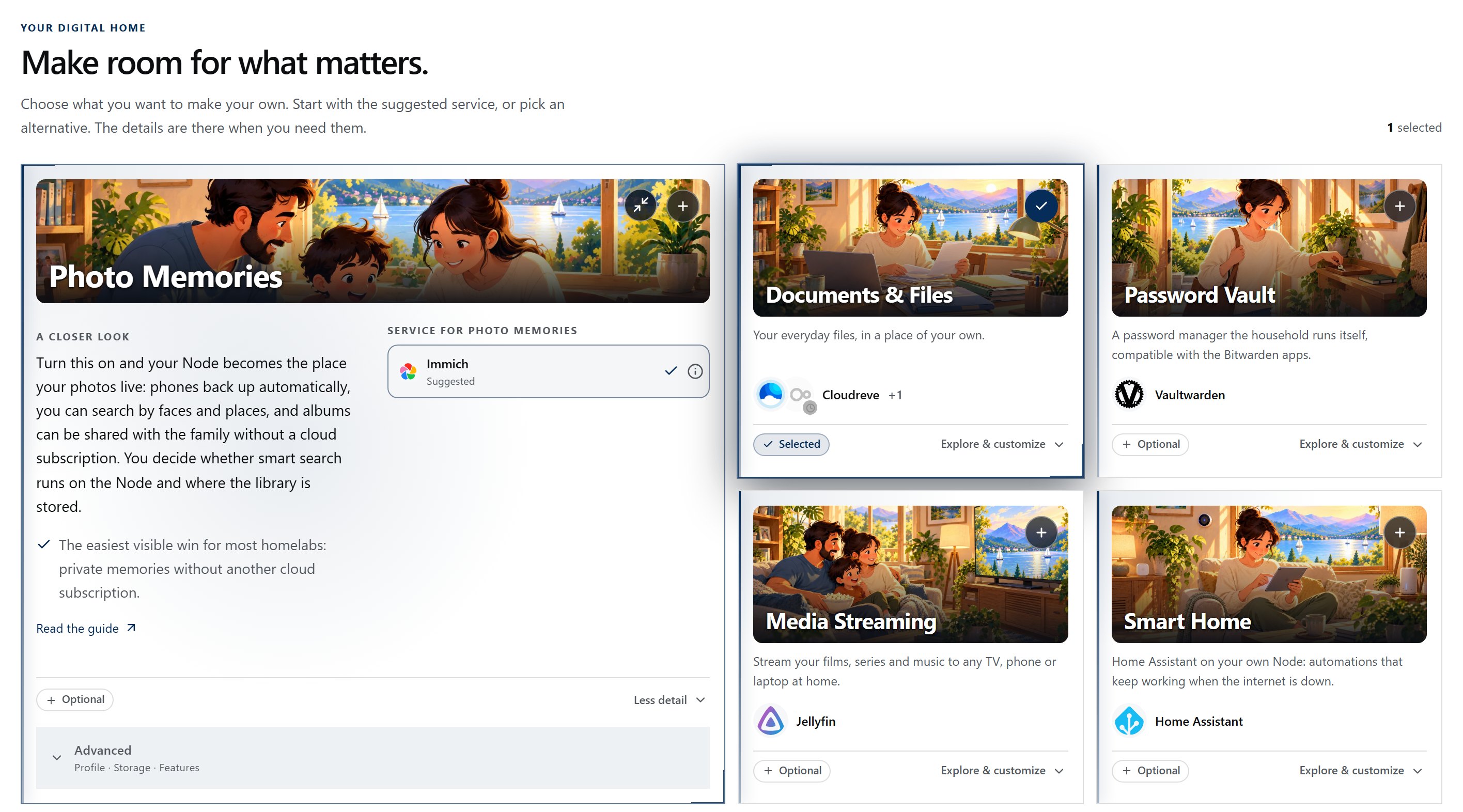
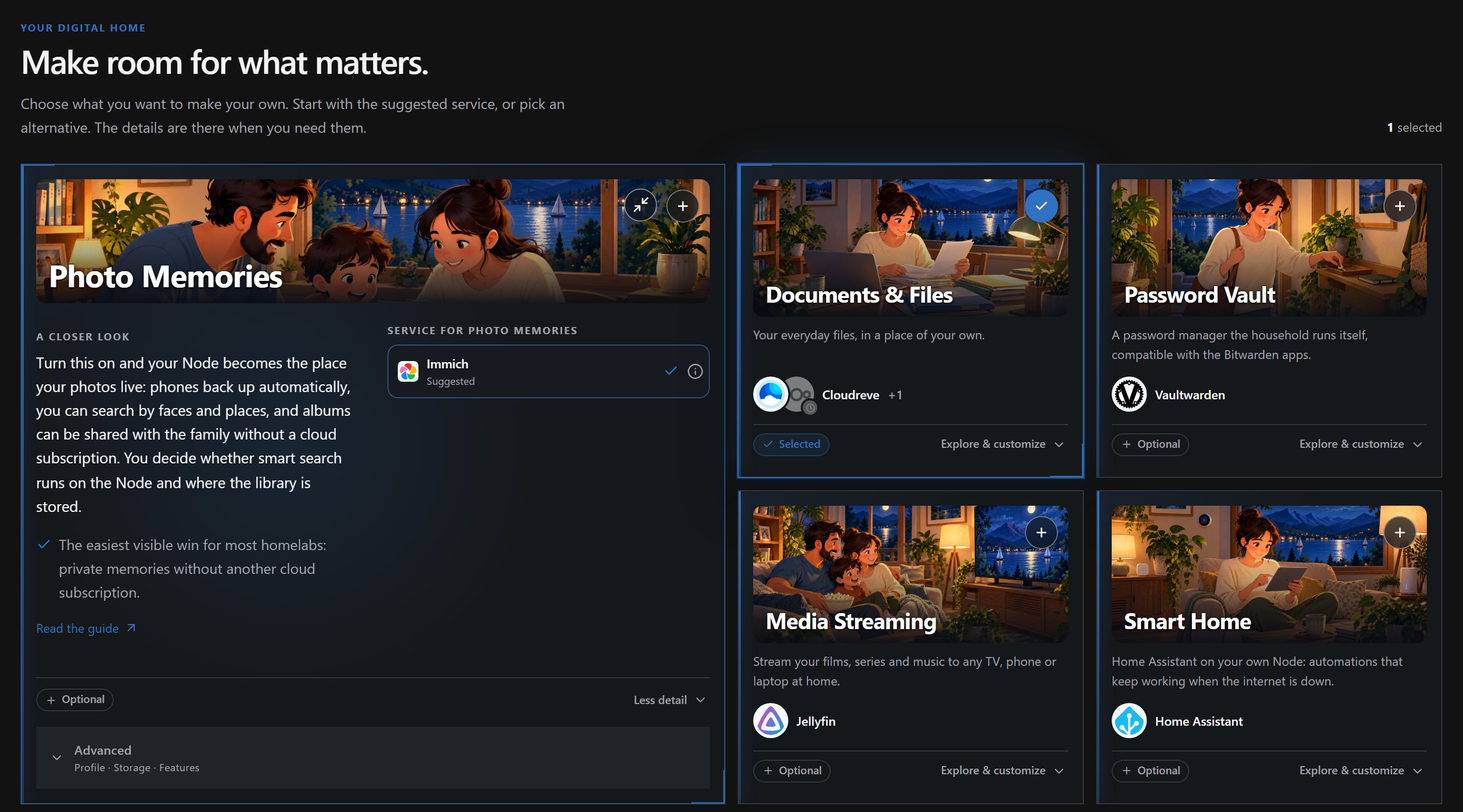
01 kombify Techstack Creation flow
Techstack creation wizard showing service choices for files, photos, media and other everyday needs.Techstack creation wizard showing service choices for files, photos, media and other everyday needs.
A captured view of choosing services in Techstack. Supported choices depend on the current product path.

A concrete example

Each service where it makes sense.

Keep services separate or organize them together in Techstack. Your data stays where you choose. At home or in the cloud, the goal is the same secure access from anywhere, through your own domain or a kombify.me address.

Illustration of a family looking at a photo library, with a small computer visible at home.
Family photos Computer at home

Photos stay on the home computer.

The family keeps its photo library on a computer at home, close to the devices that add and browse photos. The files stay on hardware they own; access while away is a separate choice.

Application
A family photo library on the home computer
Data
Photo files and library data at home
Responsibility
The household cares for power, updates, and backups

Illustration of a person with a personal website on a laptop in a home studio.
Your website Cloud server

The website runs on a cloud server.

The same household gives its personal website a cloud server. There is no extra machine at home, and the site can run independently of the household's power and internet connection.

Application
A personal website on the cloud server
Data
Website files and site data on that server
Responsibility
The household manages access, site updates, and hosting

This is an illustrative placement example, not a live product screen or a promise that this exact setup is supported.

kombify Guard · Part of kombify Techstack

A guard on every one of your servers.

kombify Guard runs on every server in your homelab, at home and in the cloud. It is built to carry out only the changes you allow, check protections continuously and keep a record of what happened.

  • Changes within your control
  • Results you can understand
  • Recovery built into the plan
More about kombify Techstack
Home server At home · family photos, backups Protected
  • Bound to you Its own key, checked on every connection Paired
  • Protection checked Firewall, SSH access and updates against the StackKit baseline 4 min ago
  • Reachable from anywhere Its own address under kombify.me Own address
  • Recovery ready Backup before the last update Today 03:10

Log

  1. Backup created before the update
  2. Security updates installed · allowed by you
  3. Restart · result reported, nothing lost
Concept preview

AI for your homelab

Meet Kubi.

Kubi is your AI companion for your homelab. In Companion Studio, ask which apps fit your idea or what a setting means, then plan your next step with Kubi and the specialised factories.

Explore the Companion
A capture from Companion Studio: Kubi with the Homelab and Paperwork factories.

A capture from Companion Studio: Kubi with the Homelab and Paperwork factories.

Companion Studio with Kubi and the Homelab and Paperwork factories

What that looks like at home

Hey kombify

Prefer to just ask?

Where kombify is heading: say what you need in your own words, and the result lands right in your own apps. The scene below is a concept preview.

How much AI do you want?

Your choice: as much AI as you like, and every app also works without it.

Your next step

Discover what you could build.

Explore familiar moments and find a use case that feels like yours.

Homelab Builder What kombify gives you