

Monitor. Control. Build.
Find a fault, open an application, control its components or add something new. These are the tools you work with in Techstack.
See what needs your attention.
Check which machines are connected, which are degraded and which are offline. Open a server to follow its resource usage and investigate the alerts that apply to it.
- Health across your homelab
- Connection states and service counts bring your home hardware and cloud servers into the same monitoring view.
- CPU, memory, storage & alerts
- Follow resource usage over time and inspect the alert rules for a server. Missing measurements remain visible as missing data.
- Availability over time
- Review connection history, downtime and causes over 7, 30 or 90 days, then look closer at an individual server.
Open it. Inspect it. Take control.
Find an application, open its address and inspect the components behind it. Supported managed components expose start, stop and restart controls directly in the service view.
- A direct route to your apps
- Open a service from its reported address and see which server it belongs to.
- Controls where you need them
- Start, stop or restart a managed component when that action is supported and permitted for your setup.
- Look beyond a single status light
- Inspect each component's health, role and lifecycle state to understand the application as a whole.
Pick the services. Shape the setup.
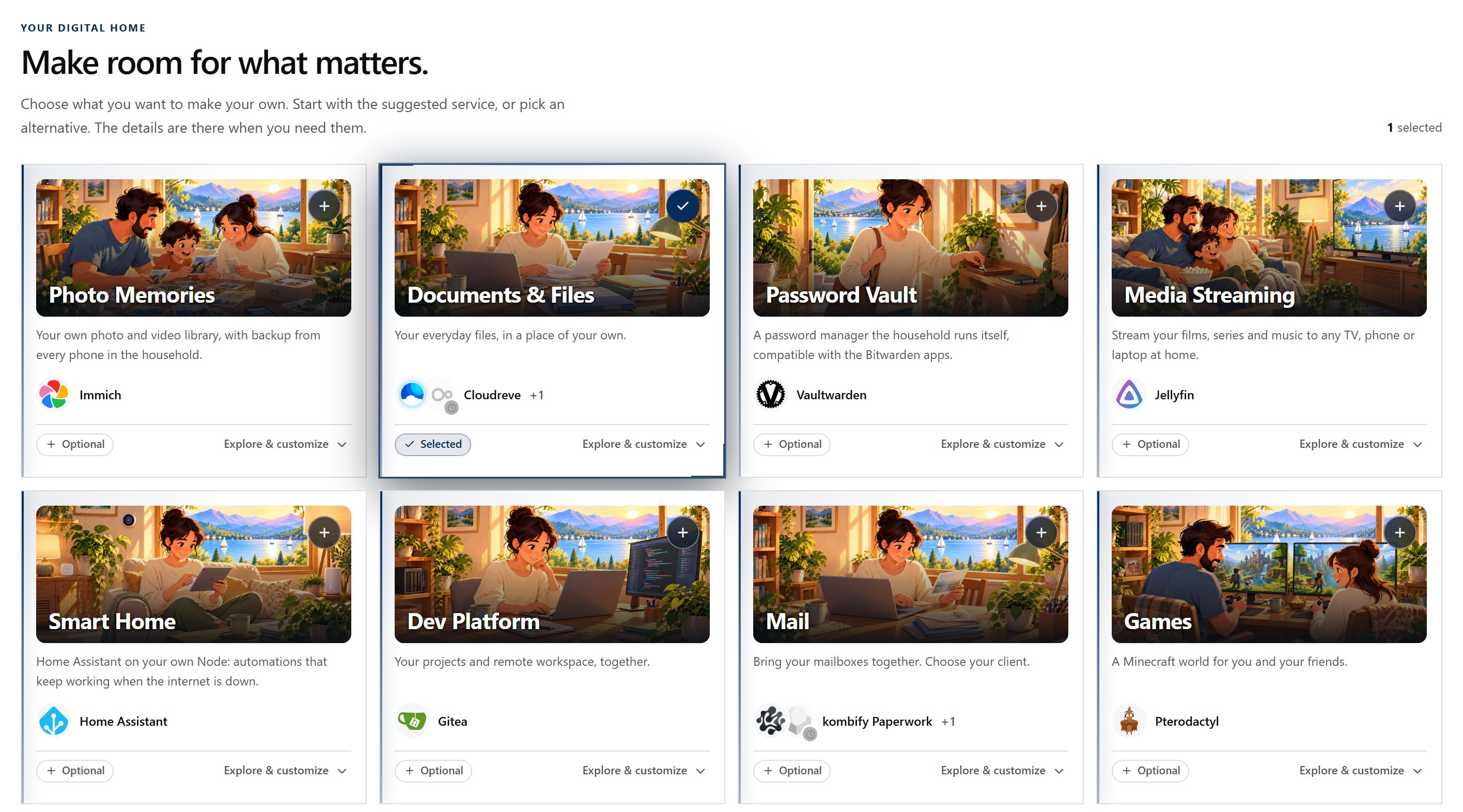
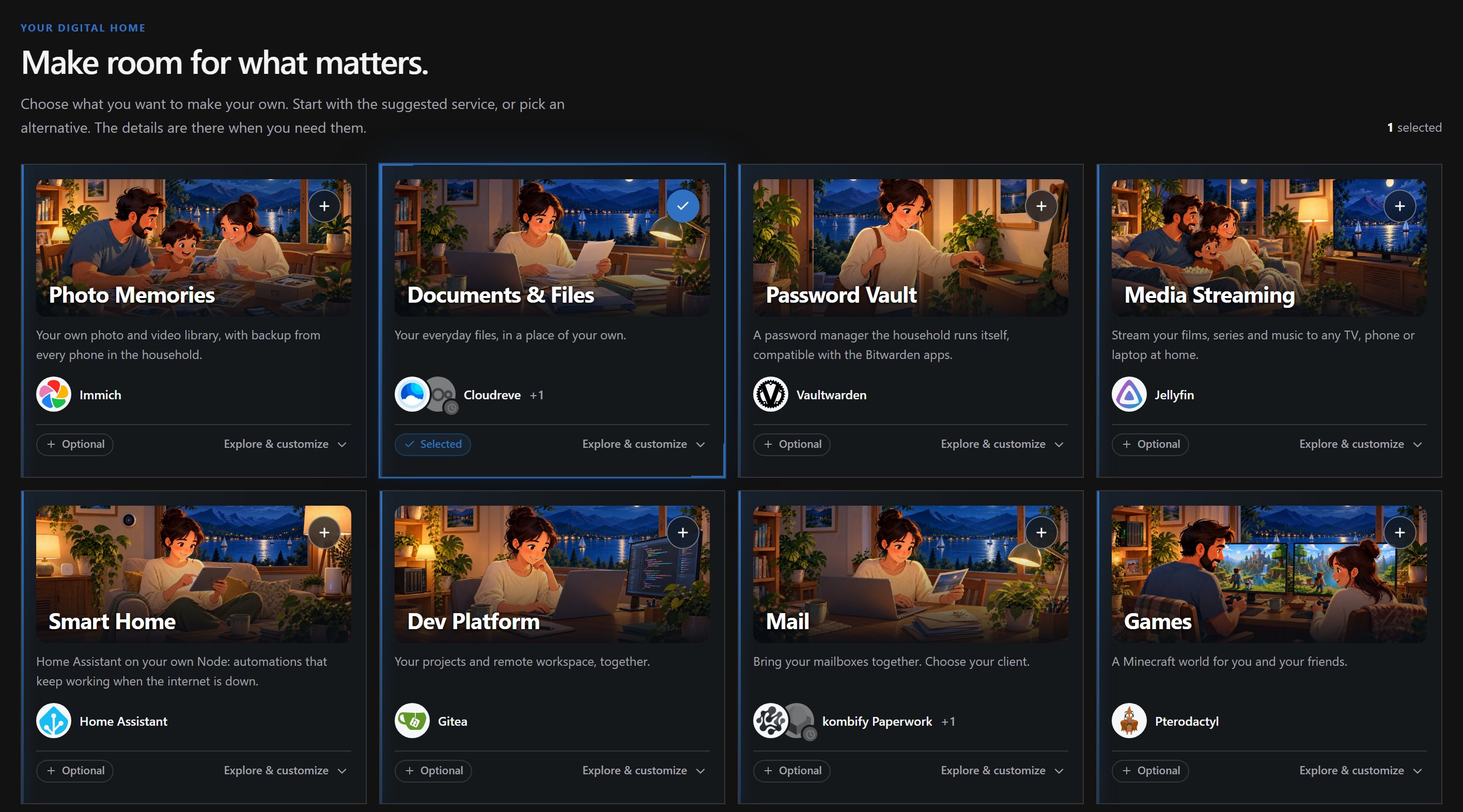
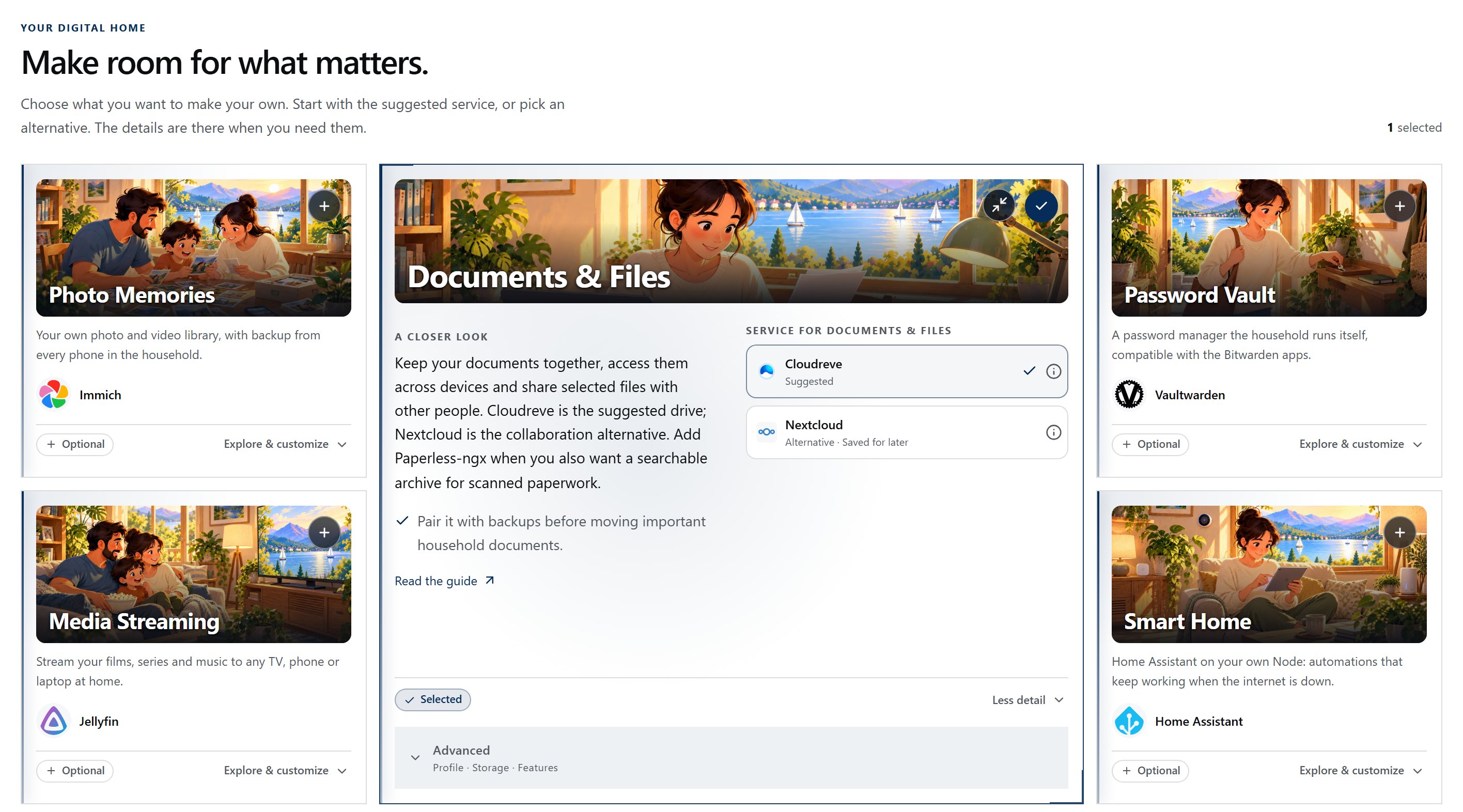
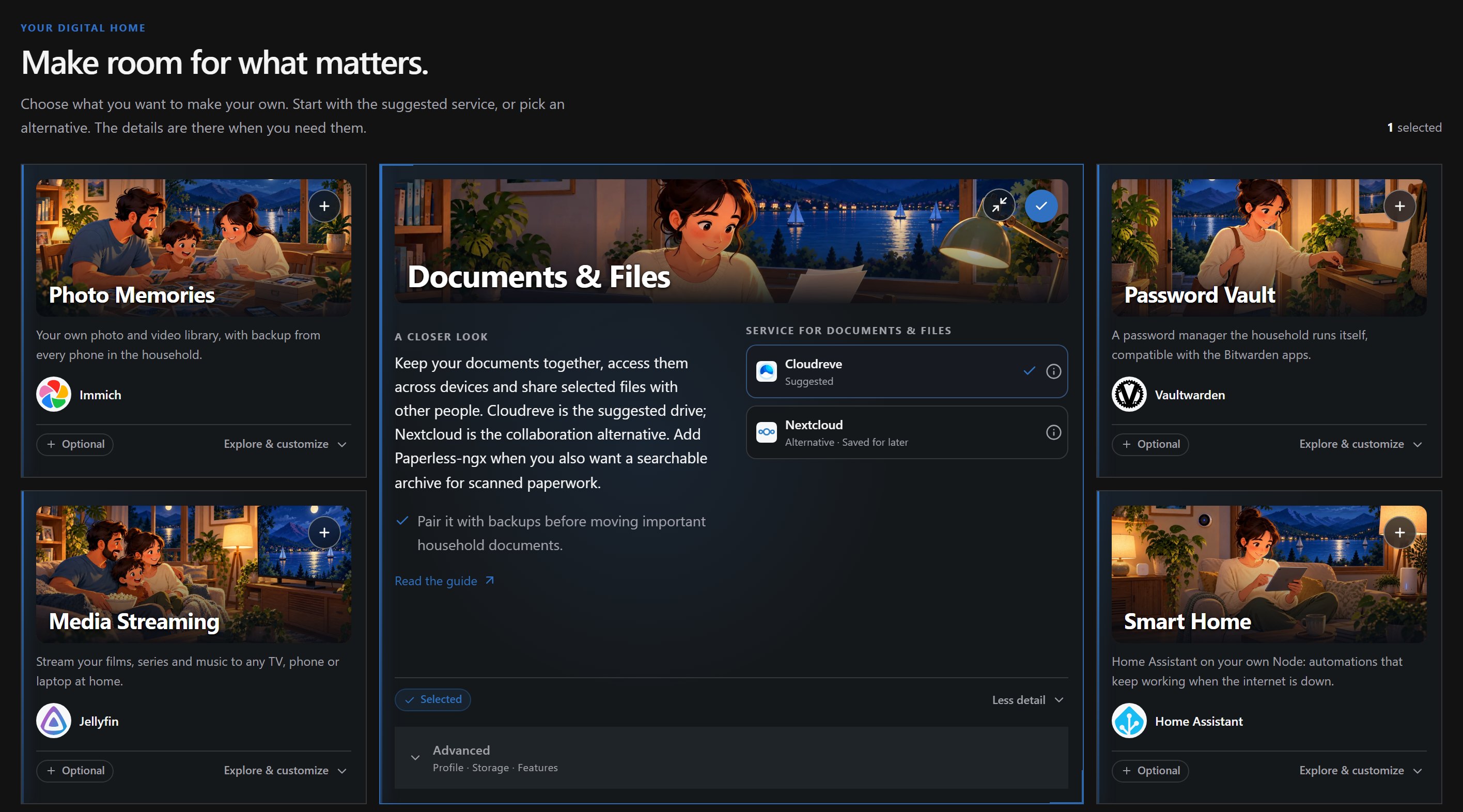
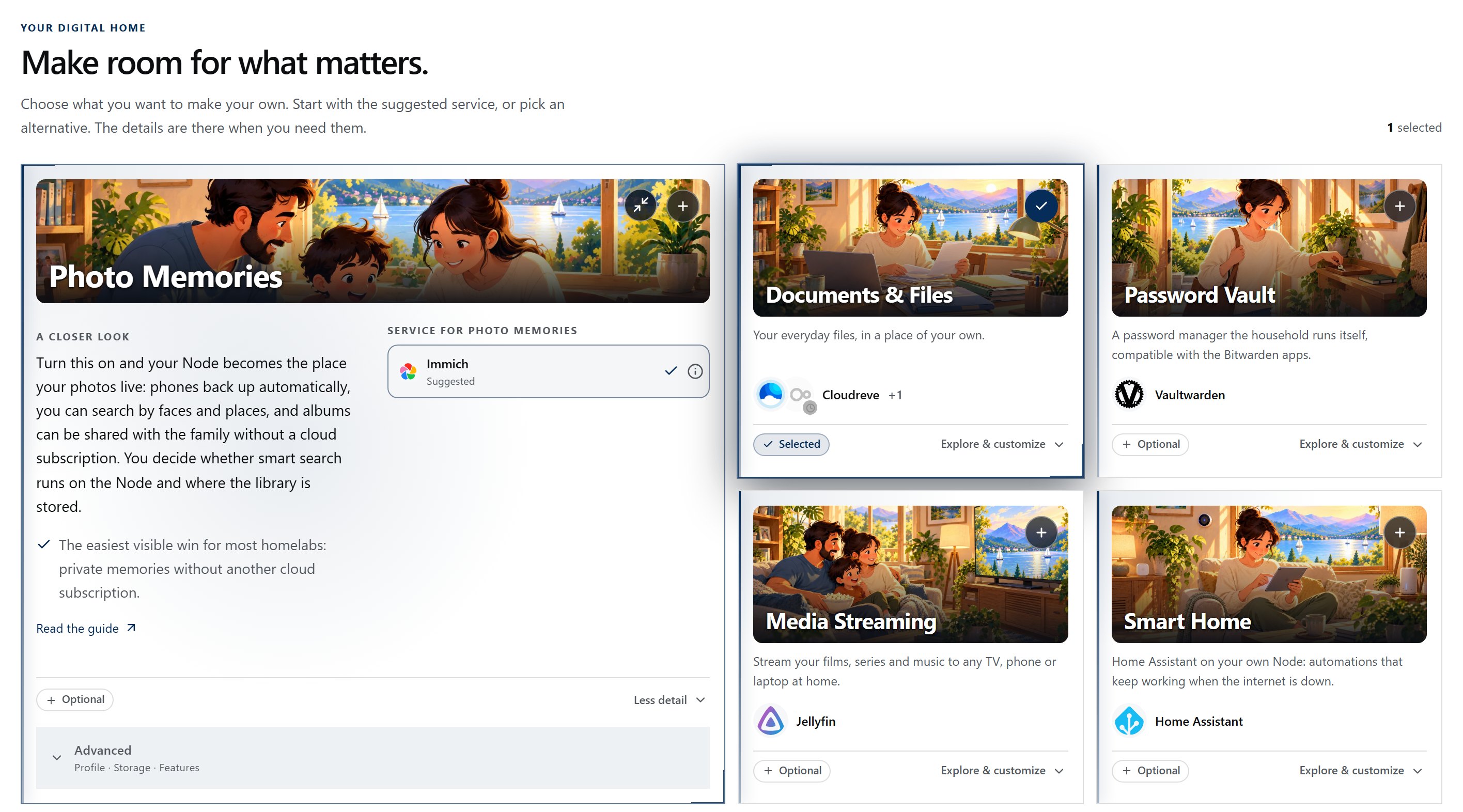
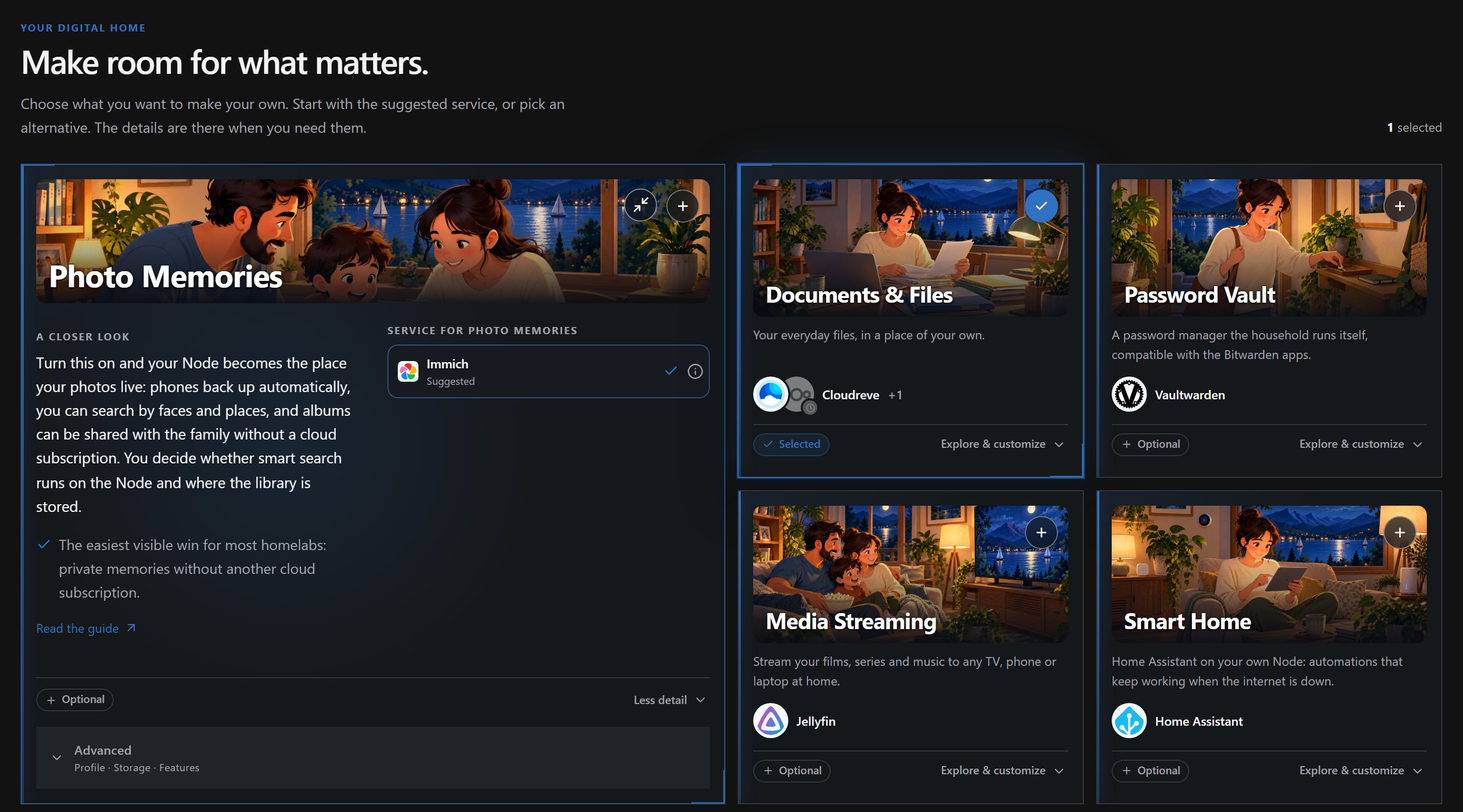
Choose photo storage, shared files, passwords or another use case. Compare the applications behind each choice, then work through the machine, access and user settings in one creation flow.
- Choose applications that fit
- Browse by everyday use case and read an application's details before adding it to your selection.
- Use home hardware or cloud servers
- Choose a supported machine for the setup. Home and cloud are parts of the same homelab.
- Plan who can use it
- Work through access and user choices as part of creation, alongside the applications and their host.
Your setup can grow with you.
Add another application to a connected machine, bring an existing service into view or prepare an eligible application for a move. Extend the homelab you already have.
- Add an application
- Choose an application from the catalog and attach it to a registered machine through the supported setup flow.
- Include what is already running
- Register an existing service by its name and address so it appears alongside services created with Techstack.
- Review a change of home
- For eligible applications, select another machine and review the move before confirming it. The available path depends on the application and its environment.
Help beside the work you're doing.
Open the Companion inside Techstack for AI assistance while you work on your homelab. Keep the application at hand as you discuss your next step.
- Stay in Techstack
- Open the assistant alongside the app, without switching to a separate chat workspace.
- From questions to guided help
- The Companion is built to help you understand choices and work towards a useful setup.
- Use AI when it helps
- The core works independently of AI. Connect the Companion when you want assistance and use the product directly at any time.
A guard on every one of your servers.
kombify Guard runs on every server in your homelab, at home and in the cloud. It is built to carry out only the changes you allow, check protections continuously and keep a record of what happened.
- Changes within your control
- Guard is built to connect each server to your Techstack securely and accept only work authorized for that server, including any repairs you allow in advance.
- Results you can understand
- Checks are designed to show which protections are in place and what needs attention. Guard is designed to record each authorized action and its result, including when an outcome still needs verification.
- Recovery built into the plan
- A lost connection should not mean losing track of the work. Guard is designed to preserve results through disconnects and restarts, and to give its own updates a controlled way back if they cannot continue.